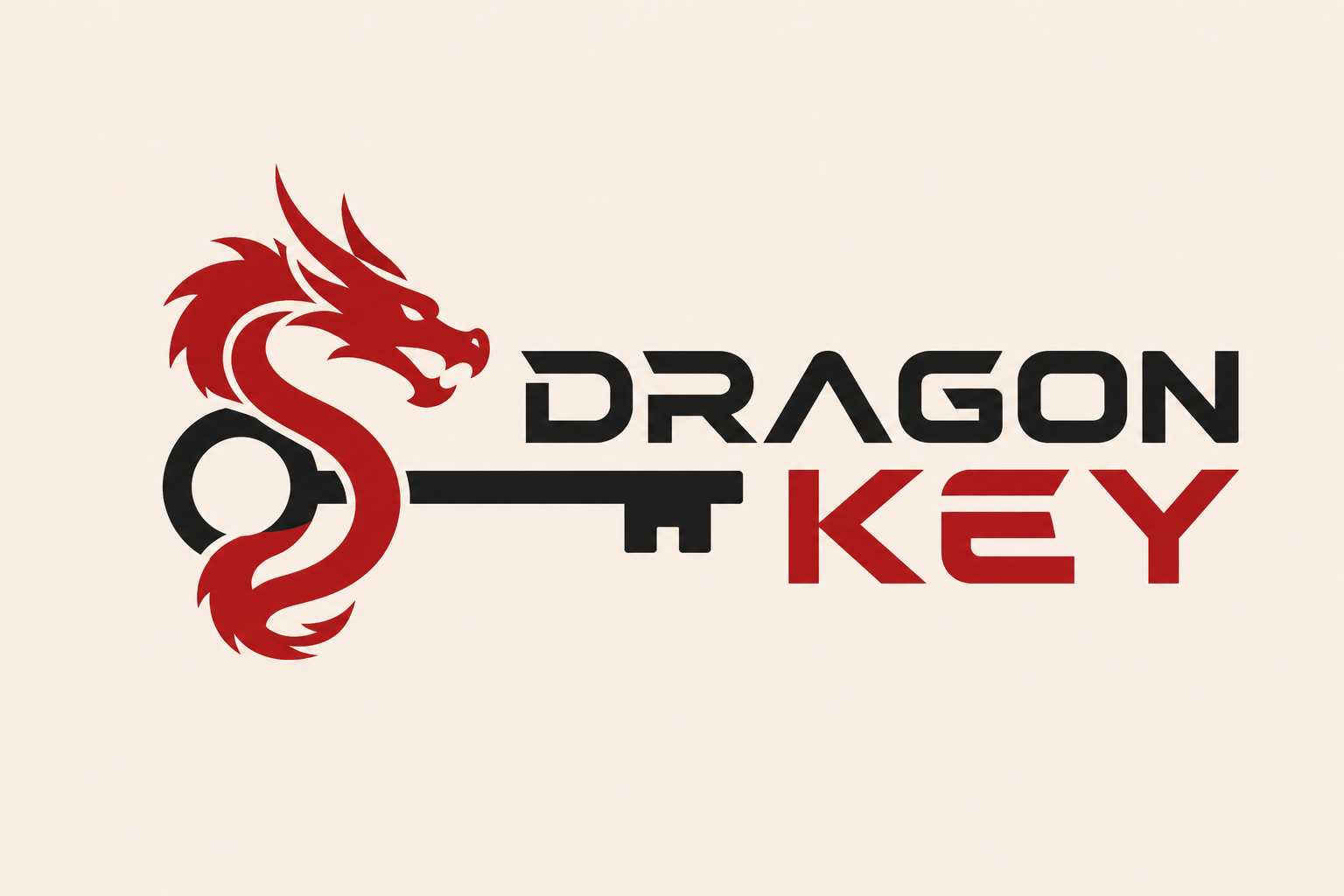

Detailed description
A Vectorizer.AI subscription solves a problem nearly every designer hits: a client sends a tiny, blurry JPG of their logo and wants it on a huge banner or embroidered on a shirt. Manual tracing with the pen tool takes hours; Vectorizer.AI does it in seconds and far more accurately than classic auto-trace. Upload the image, wait a moment and download a clean SVG, EPS or PDF that scales to any size. GoldenKeys offers cheap Vectorizer.AI pro access with instant activation and two ways in: the browser extension on desktop and the cloud version on any device.
What Vectorizer.AI is and how it works
Vectorizer.AI converts raster images such as PNG, JPG, GIF and BMP into vector graphics. It combines deep learning with classical geometry, analyses the image at sub-pixel precision and fits real shapes like circles, arcs, rectangles and smooth curves instead of jagged polygons. It also detects and preserves symmetry in logos and fills tiny gaps between colours so no hairline white seams appear in print. The result looks like a designer redrew the artwork by hand.
Key features
- Fully automatic: no fiddling with dozens of Image Trace sliders; defaults are excellent in most cases.
- Multiple export formats: SVG for web, EPS and PDF for print shops, DXF for laser cutters and CNC, plus high-res PNG.
- Palette control: limit the colour count or pick exact colours to simplify a logo for screen printing.
- Layering modes: stacked or cutout shapes depending on production, essential for vinyl cutting.
- Built-in editor: recolour and remove unwanted bits before downloading.
- Sub-pixel accuracy: smooth edges and genuinely straight lines even from small sources.
Free preview vs paid plan
Vectorizer.AI lets anyone upload and preview a result, but downloading the final file in any format requires a paid plan. In other words, you can see how good it is but you can't use it. With GoldenKeys you download every format directly and deliver client work without delay.
When you need image-to-vector conversion
Rebuilding logos
Client lost the original files? Convert the best image available into a clean vector and hand back a full identity pack.
Print and embroidery
Print shops and embroiderers want vector files. Export PDF or EPS and send them over.
Laser and vinyl cutting
Cricut, laser and CNC users need clean paths. DXF plus cutout layering saves hours of cleanup.
Merch
T-shirts, mugs, stickers and packaging need sharpness at any size, and vectors guarantee it.
Digitising sketches
Draw on paper, snap a photo and turn it into editable vector art.
Tips for the best results
- Upload the largest, sharpest version you have.
- Reduce the palette for simple logos to get lighter, cleaner files.
- Use the editor to drop backgrounds or stray elements before export.
- Remember vectors suit graphics far better than photo-realistic images.
- Use cutout layers for cutting jobs and stacked layers for print and editing.
Extension or cloud access
Activation is instant after payment. Install the GoldenKeys browser extension on Chrome, Edge or Brave on your desktop and open Vectorizer.AI from it, or use the cloud version straight from your GoldenKeys account with no install, in any modern browser including your phone. That means you can vectorise a logo a client sent you while you're away from your desk. Our Arabic-speaking team supports you and replaces access if needed throughout the subscription. It's also part of the Designer bundle and the GoldenKeys bundle.
Stop losing hours to manual tracing: buy Vectorizer.AI account access now and convert your first image in minutes.
From payment to using it in under 5 minutes.
Choose your plan
Monthly or yearly to suit your needs. You can upgrade later at no cost.
Pay securely
Card, Apple Pay, STC Pay, or crypto — all with 256-bit encryption.
Receive your account details
The details arrive at your dashboard and email directly — no manual waiting.
Start using it
Log in directly. The account is active and ready for immediate use.
Everything you get in the plan.
Reliable access from GoldenKeys
Use the tool from your GoldenKeys account via the extension or the cloud, activated instantly.
Instant Delivery in Minutes
Once payment is complete, the account will be automatically sent to your email.
Arabic-speaking support
Professional support team available around the clock via WhatsApp and email
Support for the whole subscription
Instant replacement for any problem you may encounter without any complications
Lowest Price in the Arab World
A price well below subscribing to Vectorizer AI on your own
Secure Encrypted Payment
Pay securely by card, crypto or wallet balance
The complete technical details.
- Account Type
- Access from your GoldenKeys account
- Subscription Duration
- Monthly / 3 Months / 6 Months / Yearly
- Delivery Method
- Instant automatic delivery via email
- Supported Devices
- Mobile, Tablet, Laptop, Smart TV
- Support
- For the whole subscription
- Technical Support
- Arabic and English
- Payment Methods
- Card, crypto, wallet balance
No reviews yet.
Be the first to write a review of this tool.
Answers to your most important questions.
Which formats does Vectorizer.AI support?
It accepts PNG, JPG, GIF, BMP and more, and exports SVG, EPS, PDF, DXF and high-res PNG, so you have the right format for web, print shops or cutting machines.Can I download without a subscription?
You can upload and preview the result, but downloading the final file in any format requires a paid plan, which is exactly what activation through GoldenKeys gives you.Does it work for Cricut and laser cutting files?
Yes. Choose cutout layering, reduce the palette and export SVG or DXF to get clean paths ready for cutting machines without long manual cleanup.Does it work on photographs?
It can, but vectors naturally suit logos, illustrations and icons better than gradient-heavy photos, so you'll get the best results from artwork with defined colour areas.Can I use it from my phone?
Yes. The product includes the cloud version, opened from your GoldenKeys account in any modern browser including mobile, plus the GoldenKeys extension for desktop browsers.How is it different from Illustrator's Image Trace?
Image Trace needs lots of manual tuning and often leaves jagged edges and excess anchor points. Vectorizer.AI recognises true geometric shapes and symmetry, producing a cleaner file in one click.
Similar tools
canve
canve
Lordicon Premium
A professional library of beautifully designed animated icons, customised and exported as Lottie, GIF or SVG, via GoldenKeys.
Pixlr Pro
Layers, masks and AI retouching in a professional editor that lives in your browser, opened on desktop through the GoldenKeys extension, no heavy install.
InVideo Pro
An AI video maker that turns text into a finished video with footage, voiceover and music, no watermark, via the GoldenKeys extension.